Context
QR Scanner is a utility app built around a simple premise: scan any QR code or barcode, generate your own across a wide range of content types, and turn a QR code into something more useful — a shareable digital business card. Underneath that simple premise is a genuinely broader engineering surface than a typical "point camera, get text" scanner: the app supports generating QR codes for URLs, plain text, SMS, Wi-Fi credentials, contacts, and email, plus barcodes for products (EAN) and ISBNs, alongside a business card generator that composes contact details, a visual template, and an embedded QR code into a single shareable card. I built the entire app end-to-end, solo.
The Product
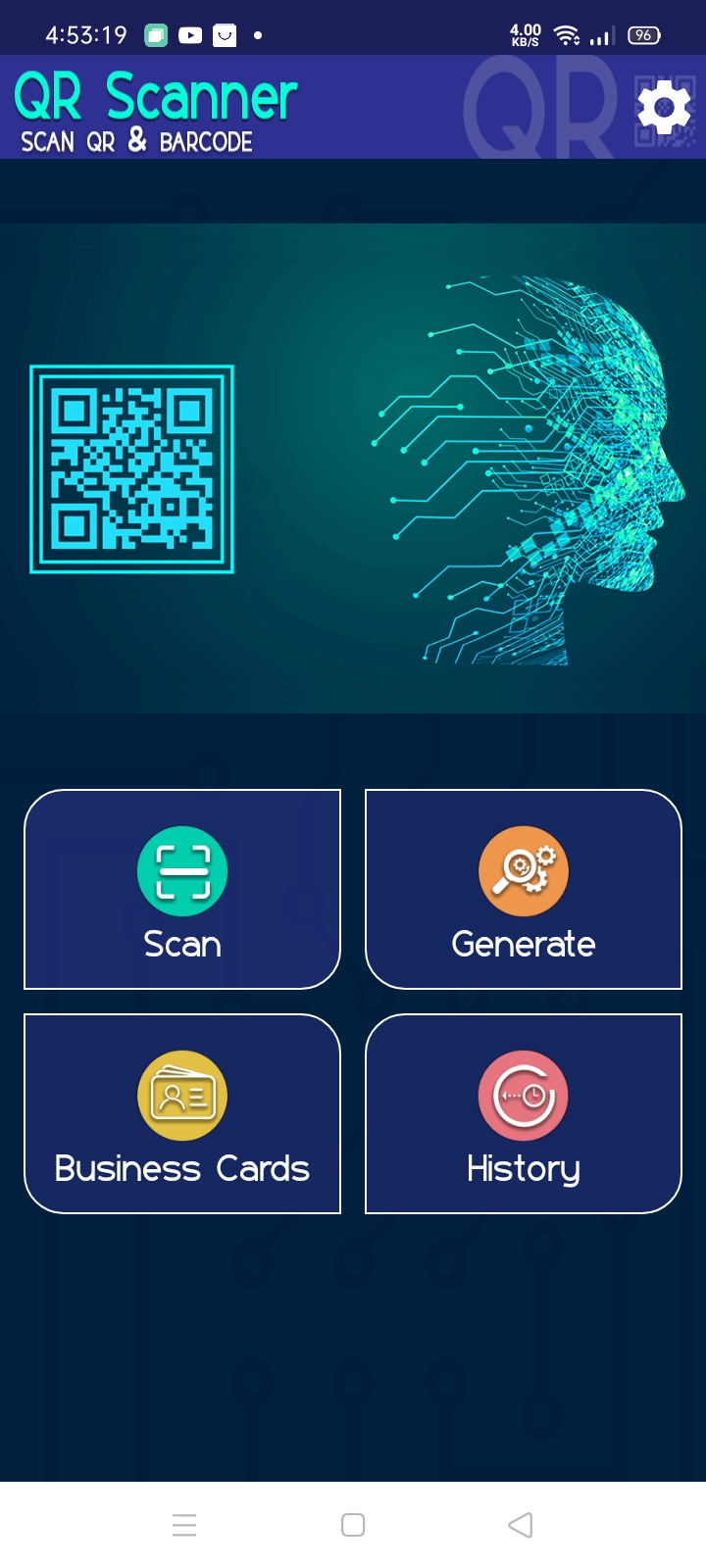
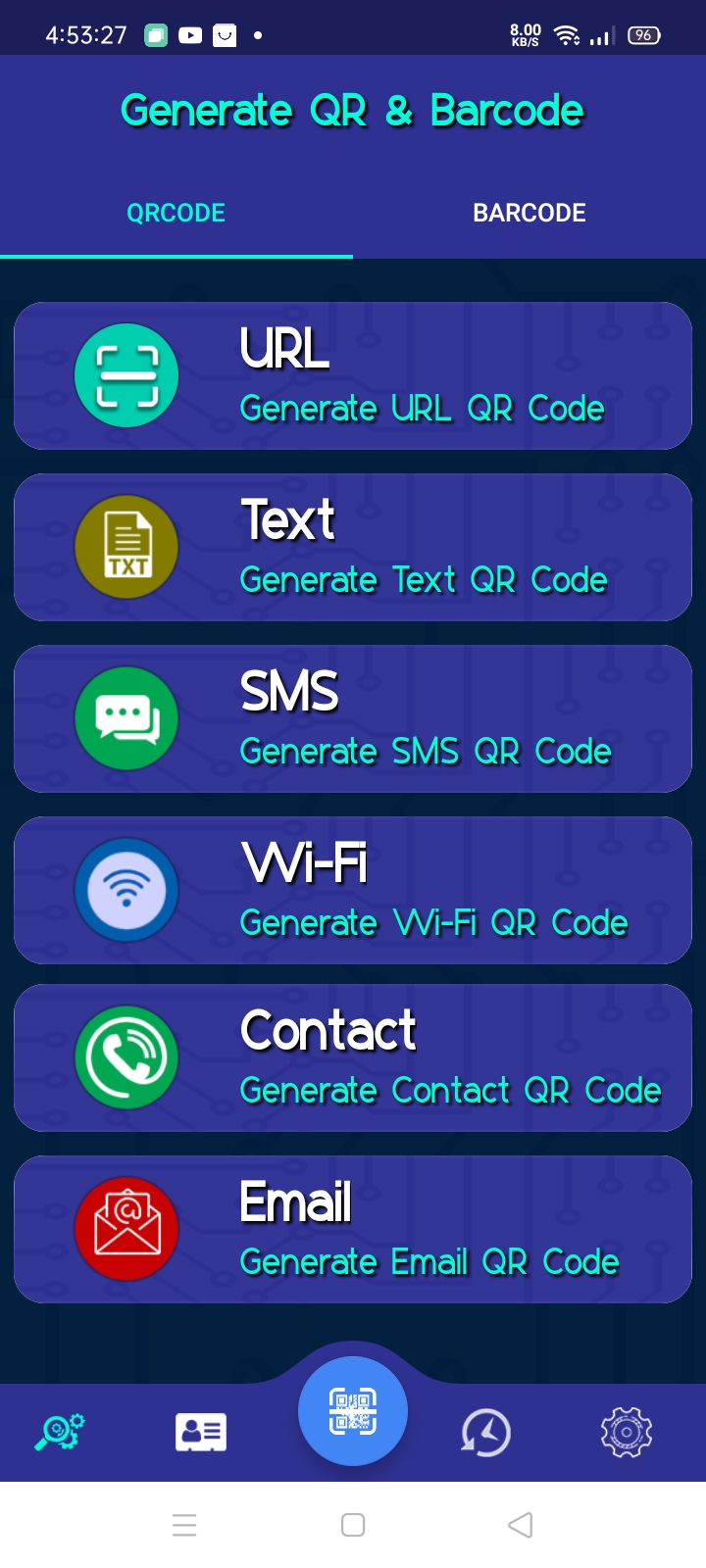
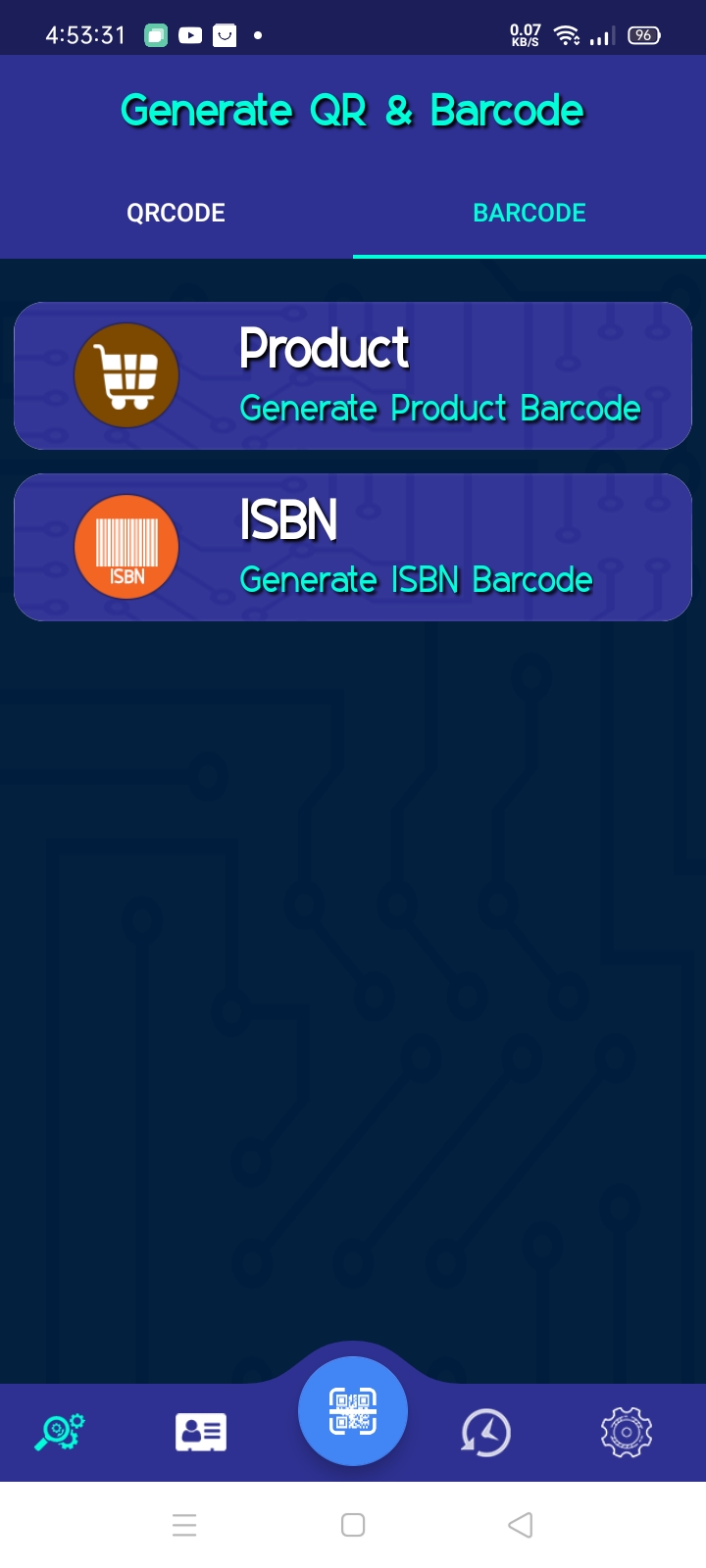
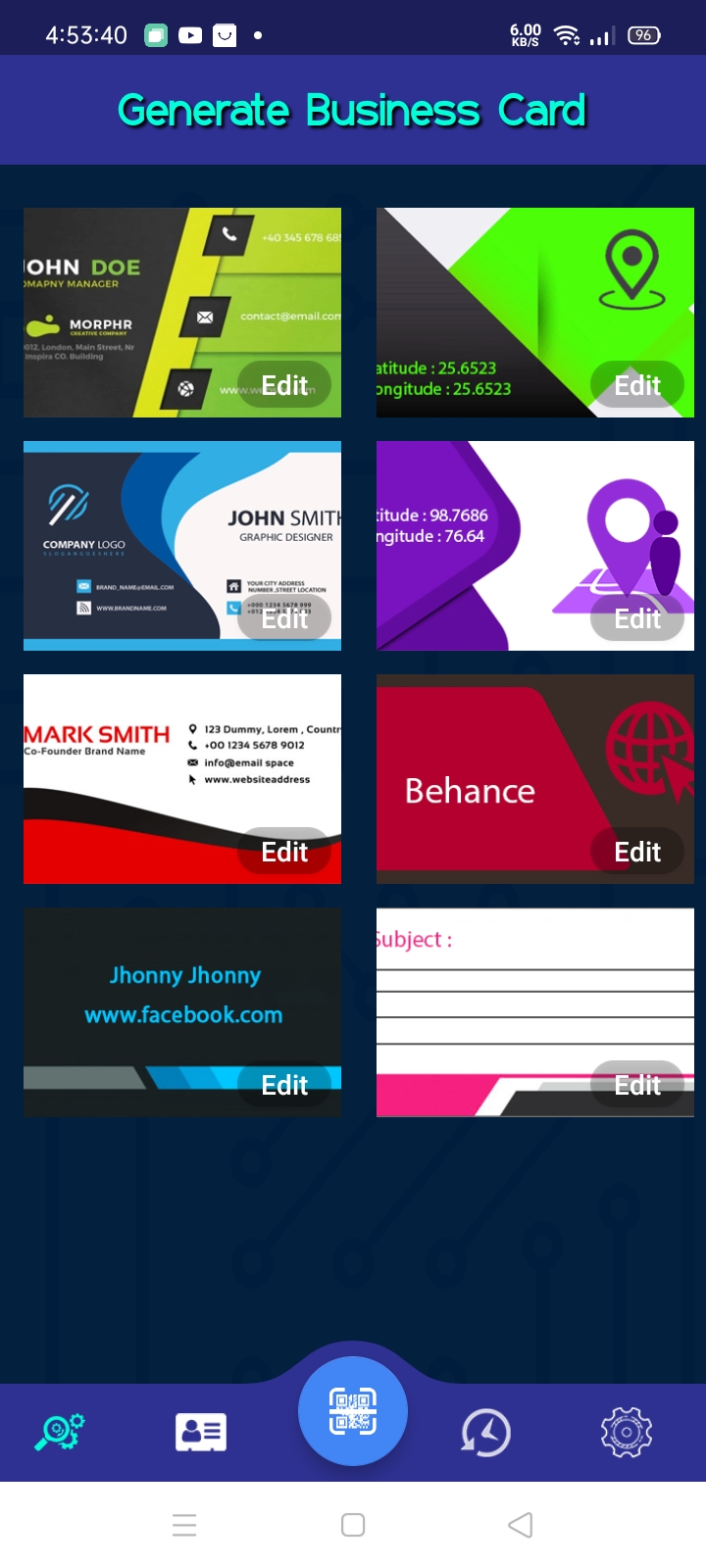
A tour of the core surfaces — home, generating QR codes and barcodes across formats, the business card templates and editor, and the unified scan/generate history.
The Problem
- One scanner, many content types. A URL, a Wi-Fi credential, a contact card, and an SMS draft all end up encoded as a QR code, but they're structurally nothing alike — each has its own data format standard the generated code has to conform to. The app needed one generation pipeline that could branch cleanly across all of them, rather than duplicating logic per type.
- Scanning and generating are two sides of the same coin, but not the same problem. Decoding an arbitrary code from a camera feed and encoding structured input into a valid, scannable code both depend on the same symbology logic, but one side handles the uncertainty of "what did the camera just see," and the other handles the certainty of "encode this exact data."
- History needed to store fundamentally different record types in one place. A history entry could be a URL, plain text, an EAN barcode, or an ISBN — each with different associated data — but the user experiences History as a single, unified list. The storage layer had to represent that variety without turning into a pile of special cases.
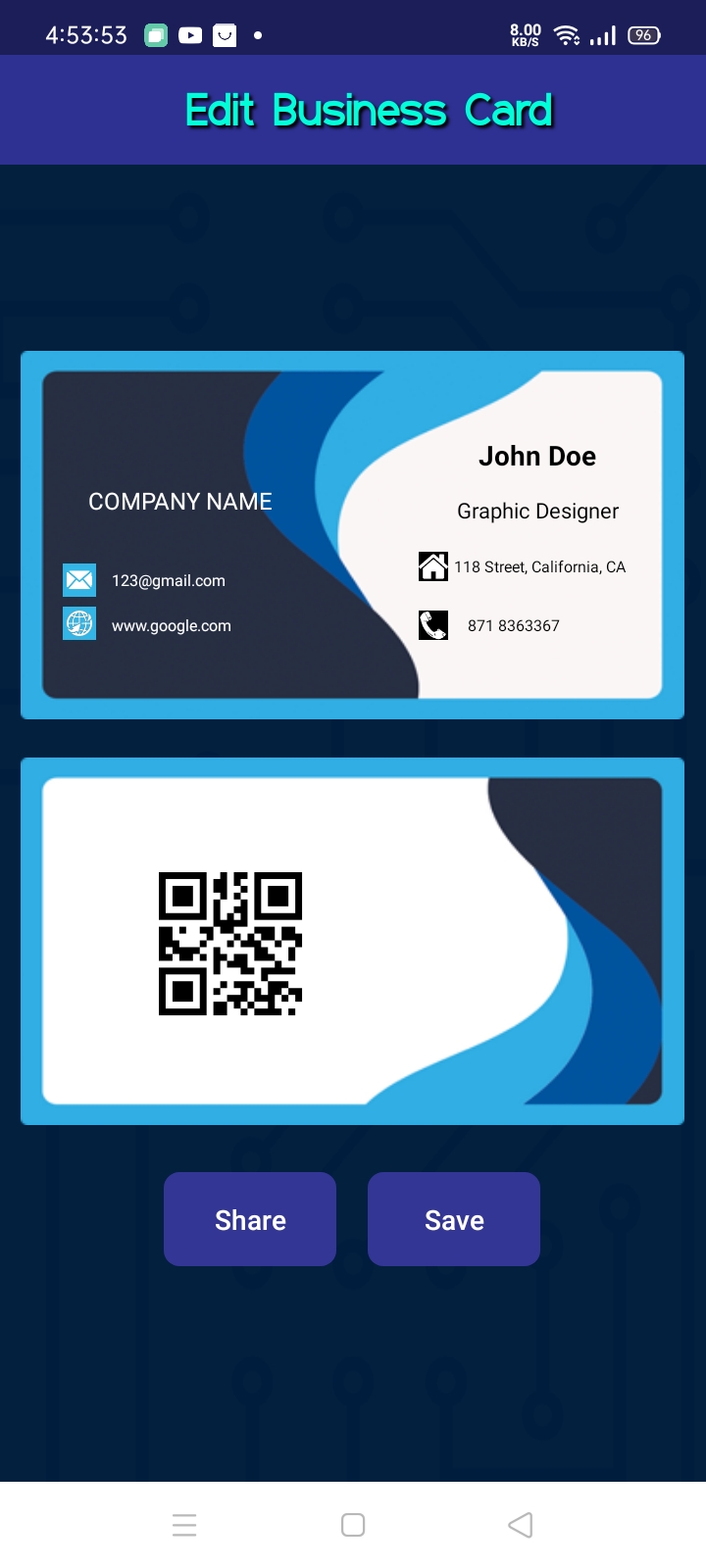
- Business cards are a composed artifact, not just a QR code. A generated business card is a template design, the user's contact details, and an embedded QR code (itself encoding that same contact data) all composed into one shareable image — meaning the QR generation pipeline had to be reusable as a component inside a larger rendering process, not just a standalone output.
What I Built
A unified QR/barcode generation pipeline
Built the generation flow so that each supported type — URL, Text, SMS, Wi-Fi, Contact, and Email for QR codes; Product and ISBN for barcodes — funnels through one generation pipeline backed by the ZXing library, with each type responsible only for formatting its own input into the correct encoded string before handing off to the same underlying encode step. Adding a new type meant adding a formatter, not rebuilding the generation flow.
Camera-based scanning on the same underlying library
Implemented the scan flow using ZXing's decoding capabilities against the live camera feed, so the same library that powers generation also powers recognition — keeping the app's understanding of "what is a valid QR/barcode" consistent on both the reading and writing side.
A type-tagged local history store
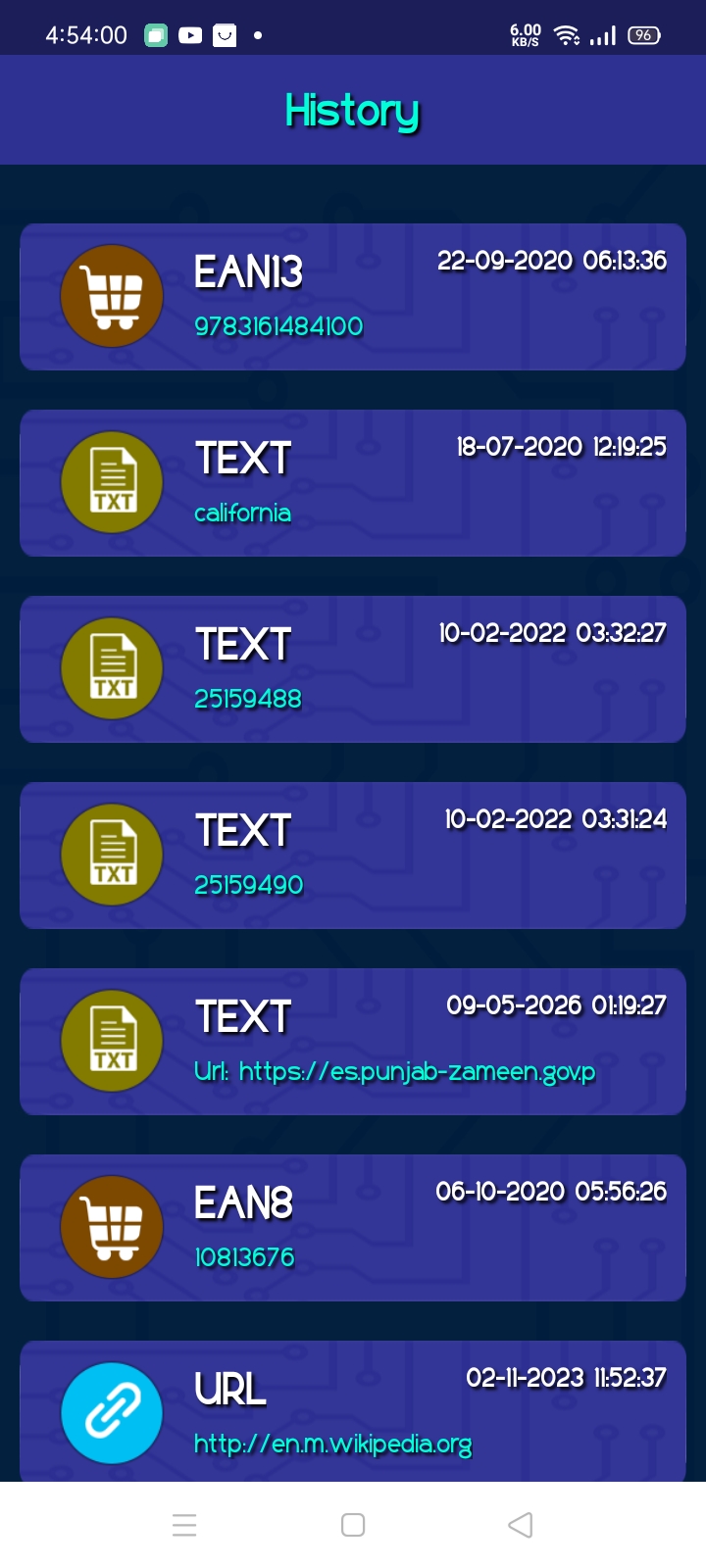
Built the History feature on a local SQLite/Room database, with each entry tagged by its content type (URL, Text, EAN-13, EAN-8, and so on) alongside its decoded/encoded value and timestamp. This let a single table represent genuinely different record shapes without needing a separate table per type, while still letting the UI render each entry with the right icon and label based on its tag.
Business card generation as a composed artifact
Built the business card generator to combine a chosen visual template, the user's entered contact details, and a QR code (generated through the same pipeline above, encoding that contact's information) into a single rendered card. The card supports in-place editing of the contact fields, then composes the final result for Save or Share — meaning the QR generation logic had to be callable as a component within a larger composition step, not just triggered from its own dedicated screen.
Why These Choices Mattered
Funneling every QR/barcode type through the same generation core meant the app's complexity grew linearly with each new type added (one formatter) rather than combinatorially (a whole new flow per type) — which matters for a utility app expected to keep adding supported formats over time.
Using ZXing consistently on both sides avoided a subtle class of bugs where a code generated by the app's own generator might not reliably scan back through the app's own scanner, or vice versa.
A single, tagged history table kept the data model simple and made the History UI a matter of branching on a tag rather than joining across multiple tables — the right trade-off for a utility app's history feature, where query complexity should stay low.
Designing QR generation to be callable from within the business card composition step, rather than being tightly coupled to its own UI, is what made the business card feature possible without duplicating encoding logic — a small architectural decision that paid off directly in feature reuse.