Context
Kennis Series is a STEM-based early education curriculum for children up to age 7, covering English, Math, and Urdu, designed to work alongside a set of conventional printed books rather than replace them. The books carry the curriculum's actual pedagogical content and structure — lessons, exercises, progression — designed by a curriculum and education team. My job was to build the native Android app that brings that same curriculum to life digitally: interactive lessons and quizzes with progress tracking, running fully offline so a child's learning experience isn't limited to what a printed page can do, or dependent on a live internet connection.
Because the printed books already defined the curriculum, the app wasn't a green-field content design exercise — it was an engineering problem of faithfully translating an existing, pedagogically-designed curriculum into something structured, interactive, and maintainable in software, in close and ongoing collaboration with the people who actually design that curriculum.
The Product
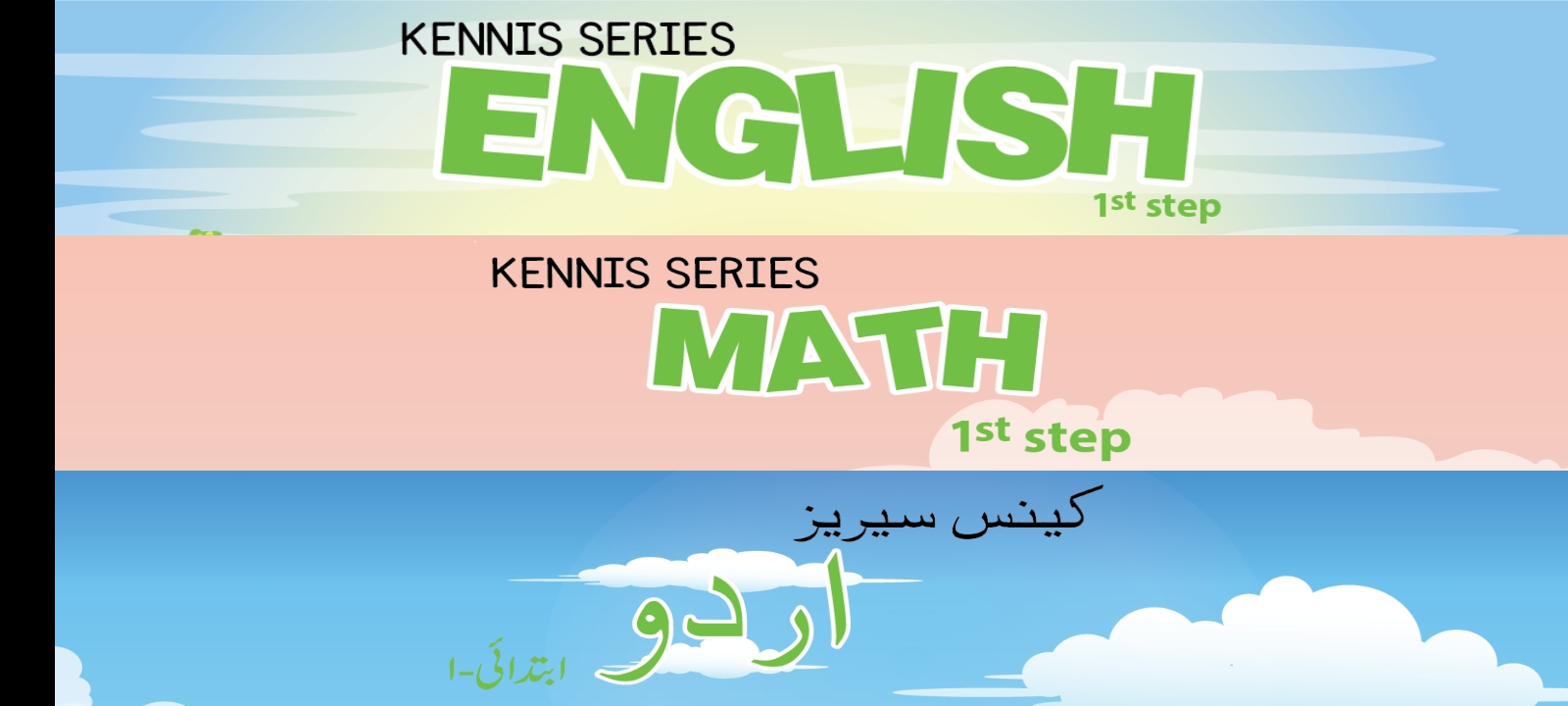
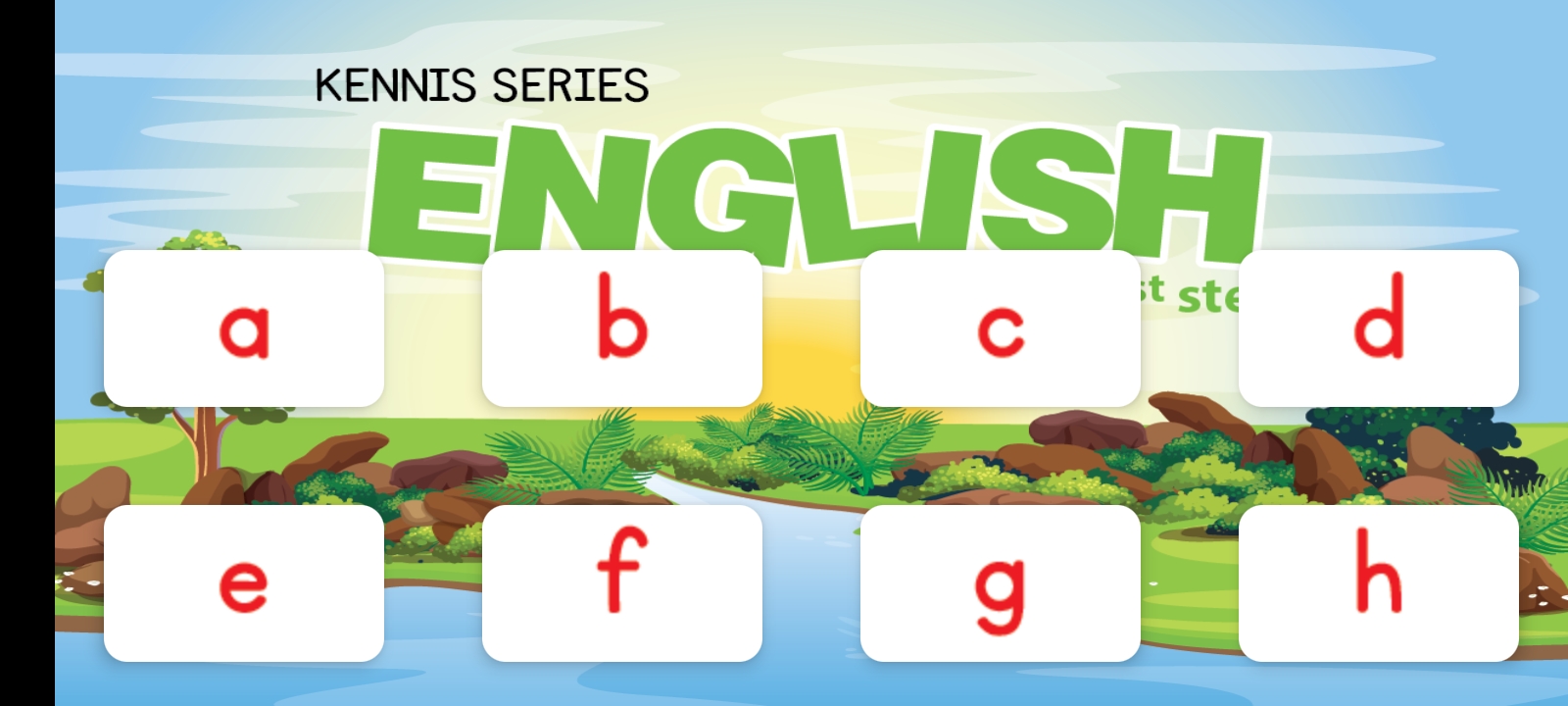
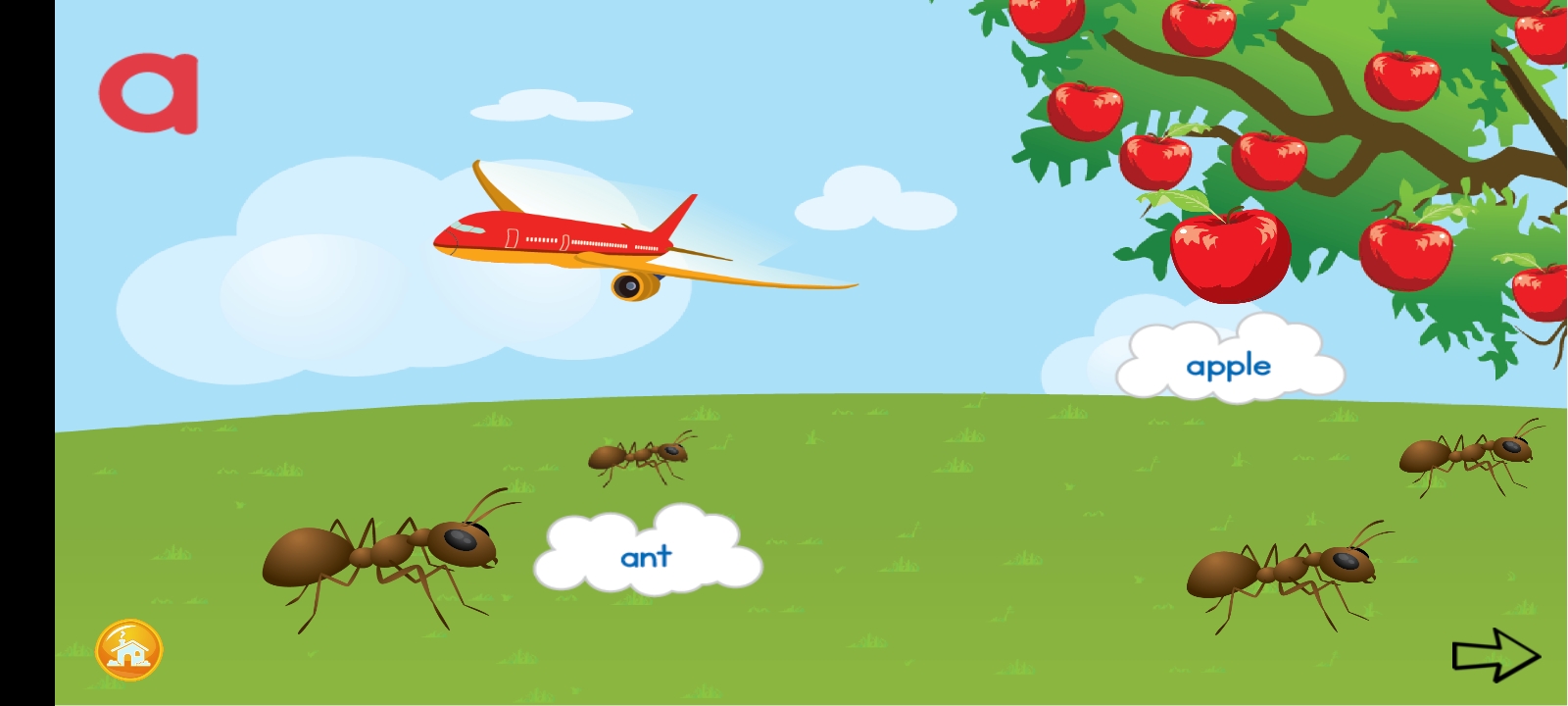
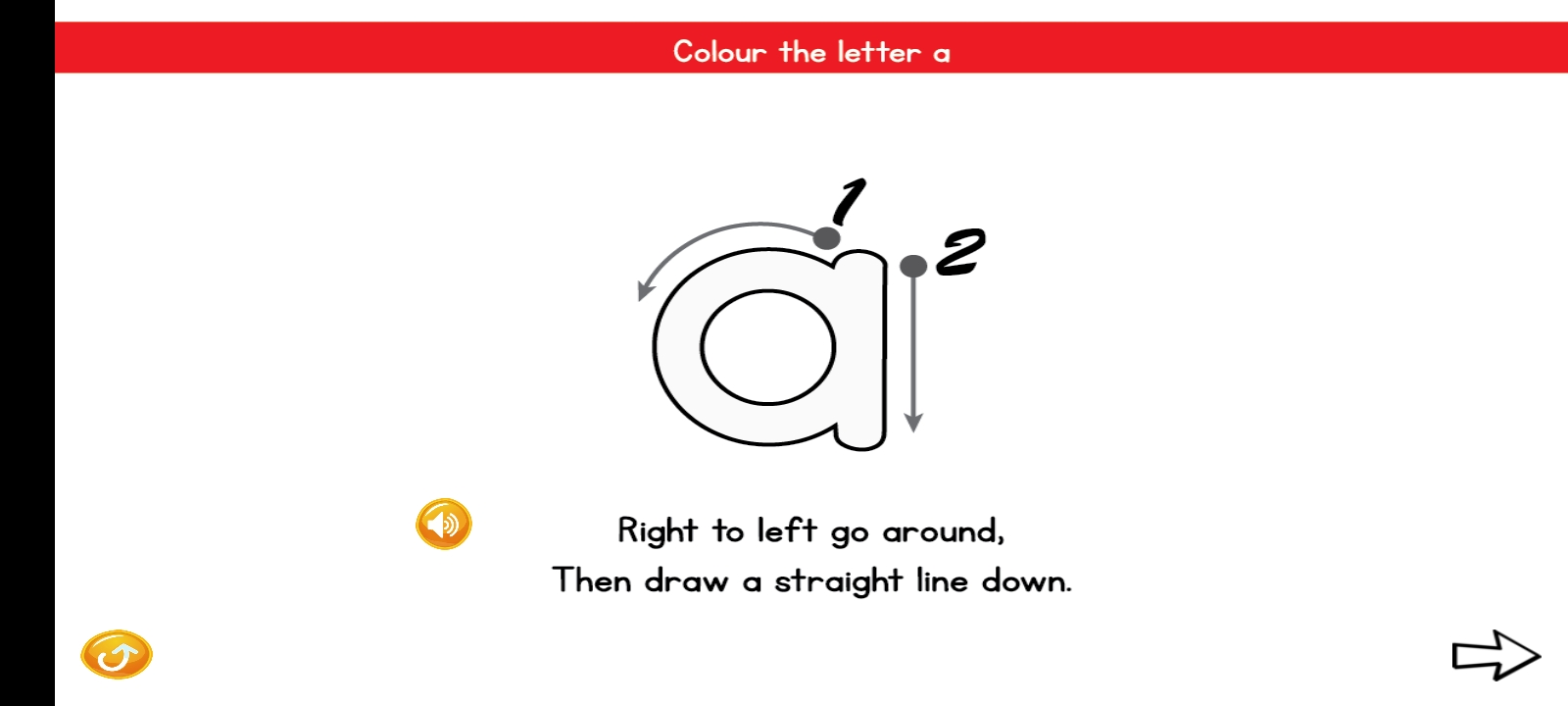
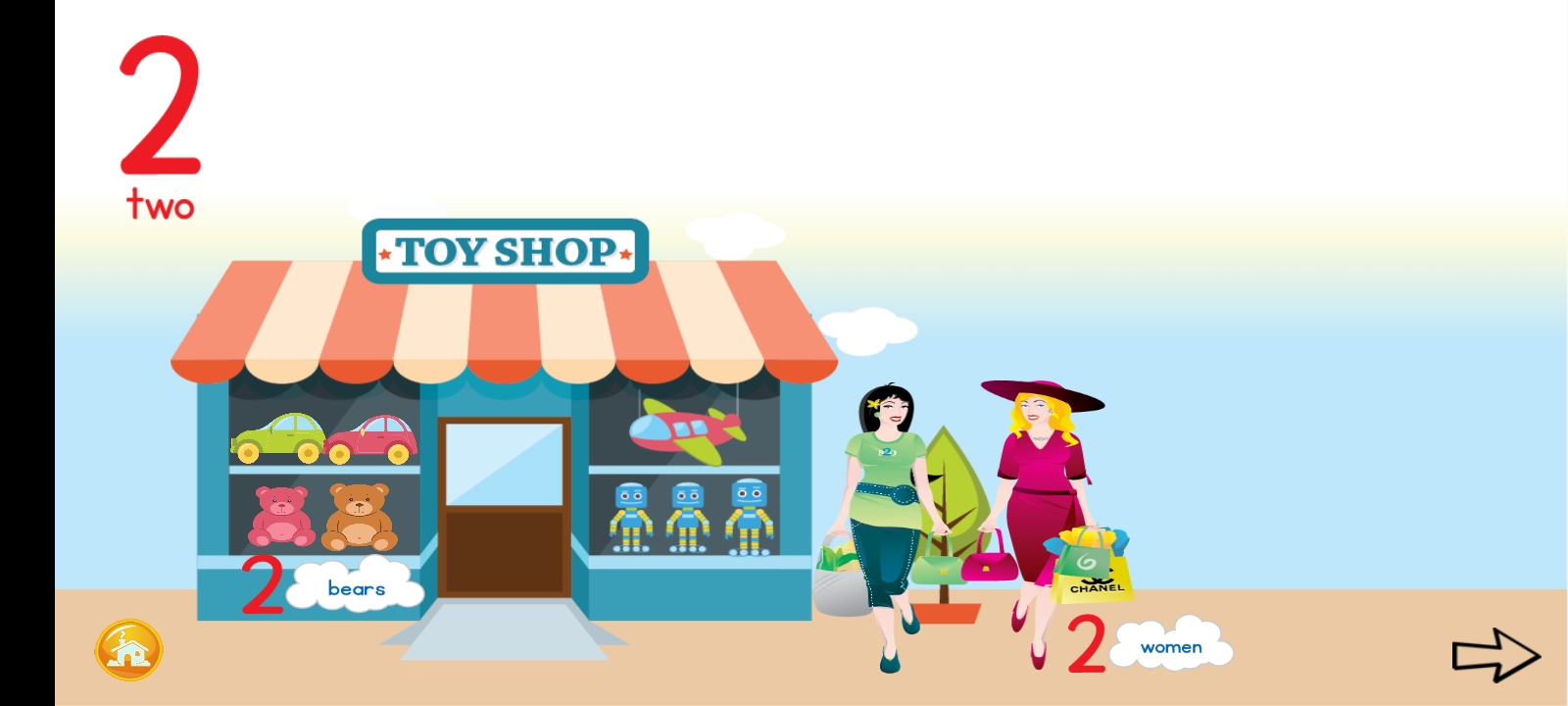
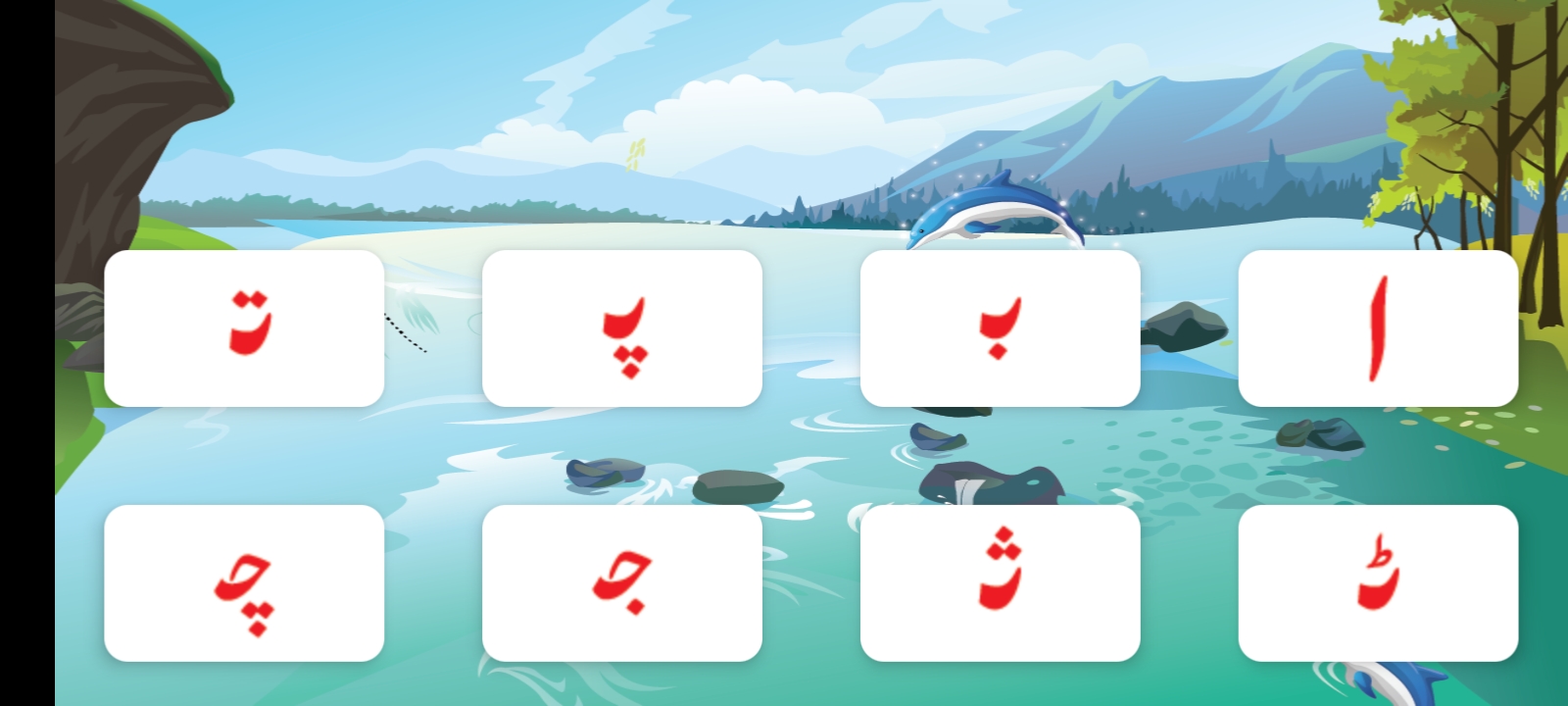
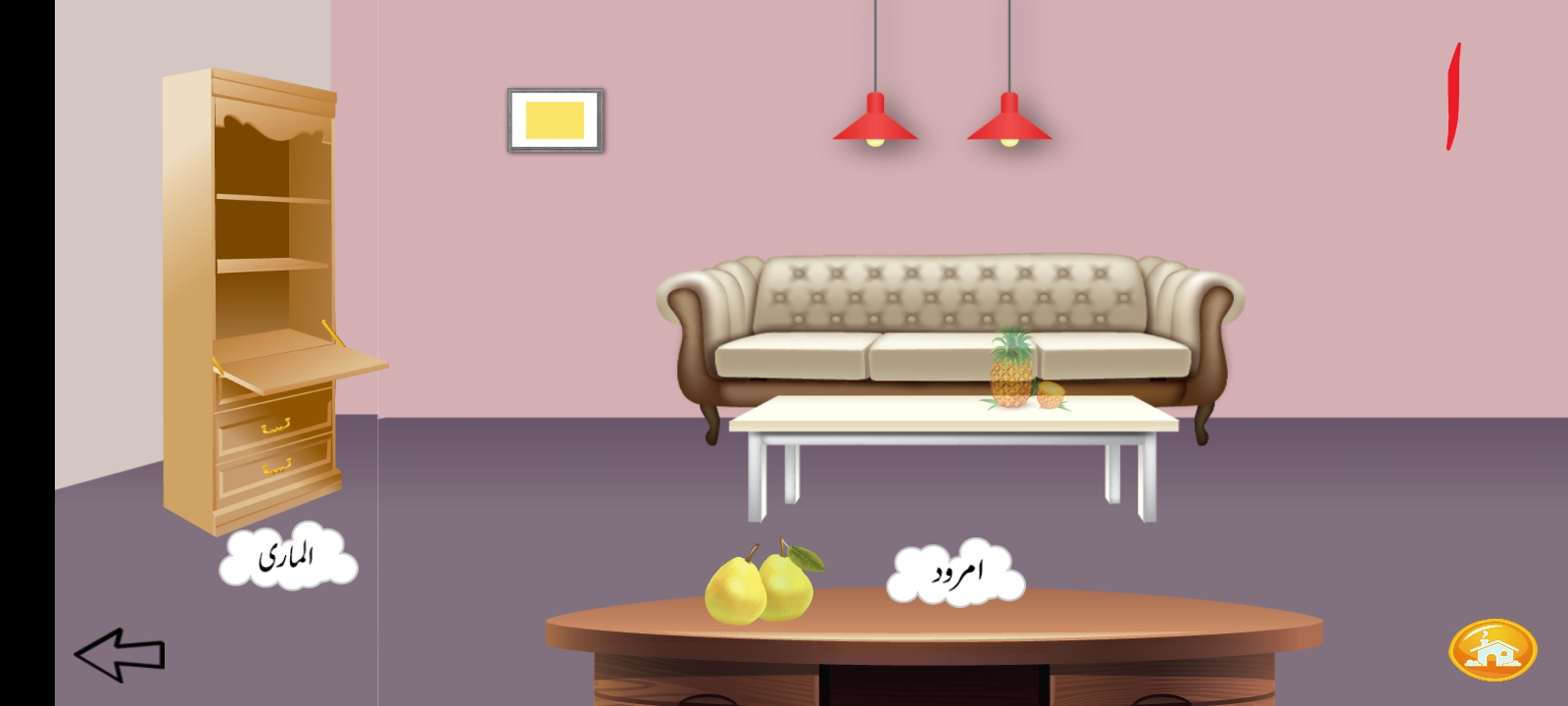
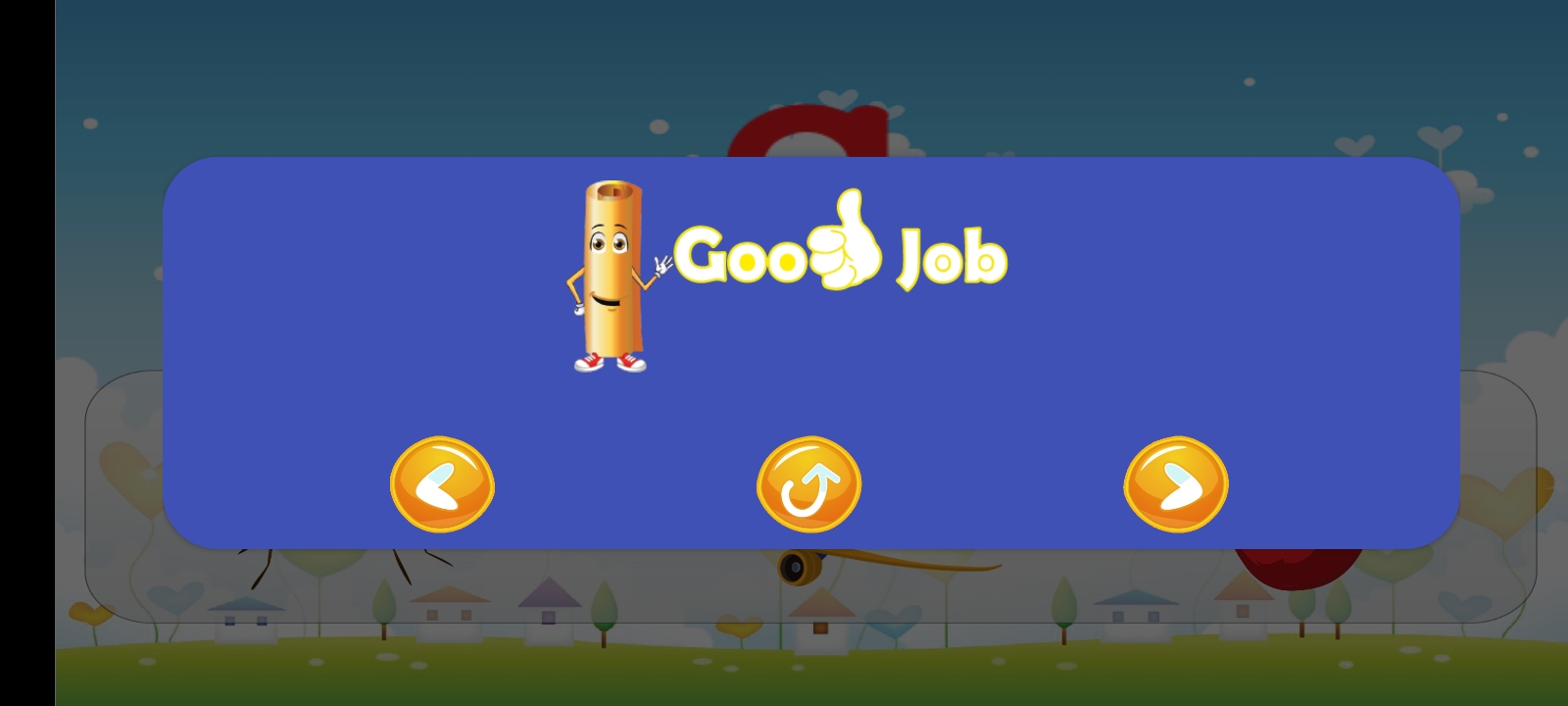
A tour across all three subjects — the alphabet and word-matching in English, counting in Math, letter and vocabulary matching in Urdu — plus a tracing exercise and the reward screen tied to progress tracking.
The Problem
- The curriculum lived in books, not in a schema. A printed curriculum is organized the way a book is organized — chapters, pages, exercises laid out for a printed spread — not the way an app needs content organized to render lessons and quizzes dynamically. Someone had to bridge that gap without distorting the curriculum's actual pedagogical sequencing.
- The curriculum team wasn't technical, and shouldn't have to be. The people who best understood what makes a good early-education lesson — sequencing, difficulty progression, age-appropriateness — were curriculum specialists, not engineers. The app's content model had to let them contribute and iterate on lesson content without needing to understand the app's internals.
- Three subjects, three different content shapes. English, Math, and Urdu each have different natural content structures — vocabulary and reading exercises look nothing like math problem sets, which look nothing like Urdu script-based exercises — so a single rigid content format would have forced awkward compromises in at least one subject.
- The app had to work fully offline. With no dependency on a live connection, all curriculum content and every child's progress had to be stored and updated entirely on-device — there's no "loading" state to fall back on if the content isn't already there.
- The youngest users can't read fluently, or at all. With a target range down to early childhood, the app's interaction model couldn't lean on text-heavy instructions the way an app for older users could — navigation, prompts, and feedback needed to work for a child who is still learning to read in the first place.
What I Built
A structured, CMS-style content pipeline — bundled for offline use
Built the app's content model so printed curriculum material could be translated into structured, app-consumable content — effectively a CMS-style pipeline sitting between the curriculum team's material and the app's lesson/quiz rendering. Because the app runs fully offline, this structured content had to be packaged and stored entirely on-device rather than fetched on demand. This was the core of working with the curriculum/education team: instead of engineering being a bottleneck every time a lesson needed adding or adjusting, the content structure was built to represent the curriculum's actual shape (subject, unit, lesson, exercise, difficulty) so new or revised content could be brought in and shipped in an app update without re-engineering the app itself.
Interactive lessons and quizzes designed for early learners
Built the interactive lesson and quiz experiences that make up the child-facing side of the app — turning the curriculum's printed exercises into tappable, responsive activities across English, Math, and Urdu content. With a target age range down to early childhood, the interactions leaned on visual and audio cues rather than assuming the child could already read instructions, since reading is often still the very thing being taught.
Fully local progress tracking
Implemented progress tracking tied to the lesson/quiz structure, stored entirely on-device to match the app's offline-first design — a child's advancement through the curriculum (which lessons are complete, how they performed on quizzes) is recorded locally in a way that reflects the curriculum's actual structure and sequencing, with no reliance on a server round-trip to persist or read that progress.
Why These Choices Mattered
The real technical decision here wasn't how to render a quiz — it was designing a content model that let non-technical curriculum specialists keep authoring and refining lessons over time, across three subjects, without every change requiring an engineering cycle. That's what made the collaboration sustainable rather than a one-time content dump.
The app had to stay faithful to the book-based curriculum's actual sequencing and pedagogy, since the whole point was reinforcing the same learning path digitally — not inventing a parallel one that could drift out of sync with what's in the printed books.
Rather than forcing English, Math, and Urdu content into one generic lesson format, the content model had room for each subject's content to look like what it actually is, which kept the interactive lessons feeling true to the subject rather than like a reskinned template.
Tying tracking to the curriculum's own lesson/unit structure was what made the data meaningful to the education side of the product — a record of curriculum progress, not just a log of taps and sessions.
Building for full offline use isn't something that can be bolted on after the fact — it shaped the content pipeline, the storage model, and the progress tracking from the start, since every one of those had to work with everything already on the device rather than assuming connectivity.