Context
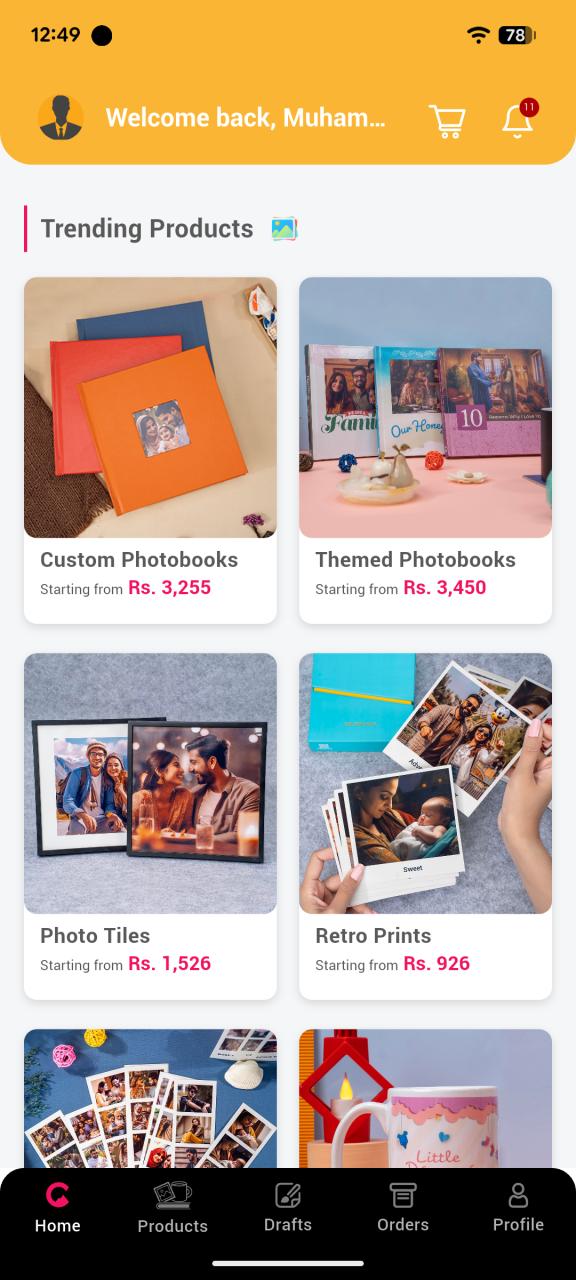
Color Kahar is a Pakistan-focused photo printing and personalized gifts app. Users turn phone gallery photos into custom photobooks and wedding albums, retro/vintage-style prints, photo mugs, strips and magnets, adhesive wall tiles, and personalized calendars — all designed on-device and shipped nationwide across Lahore, Karachi, Islamabad, and beyond.
The product's whole pitch is "select, design, and order in a few taps" — simple and fast, no design skills required. Underneath that simplicity sits a genuinely hard engineering problem: every design surface — gallery picker, photobook builder, calendar and tile editor — has to decode, cache, composite, and render potentially hundreds of images in real time on low-to-mid-range Android devices, while the final output has to remain pixel-accurate all the way through to a physical print. On top of that, the app had to work the way people in Pakistan actually pay, log in, and use data — not the templated Firebase / Stripe / Google-Auth defaults most cross-platform apps ship with.
As the engineer who built the app end-to-end across Android and Flutter, I owned this from architecture down to the platform-channel level.
The Product
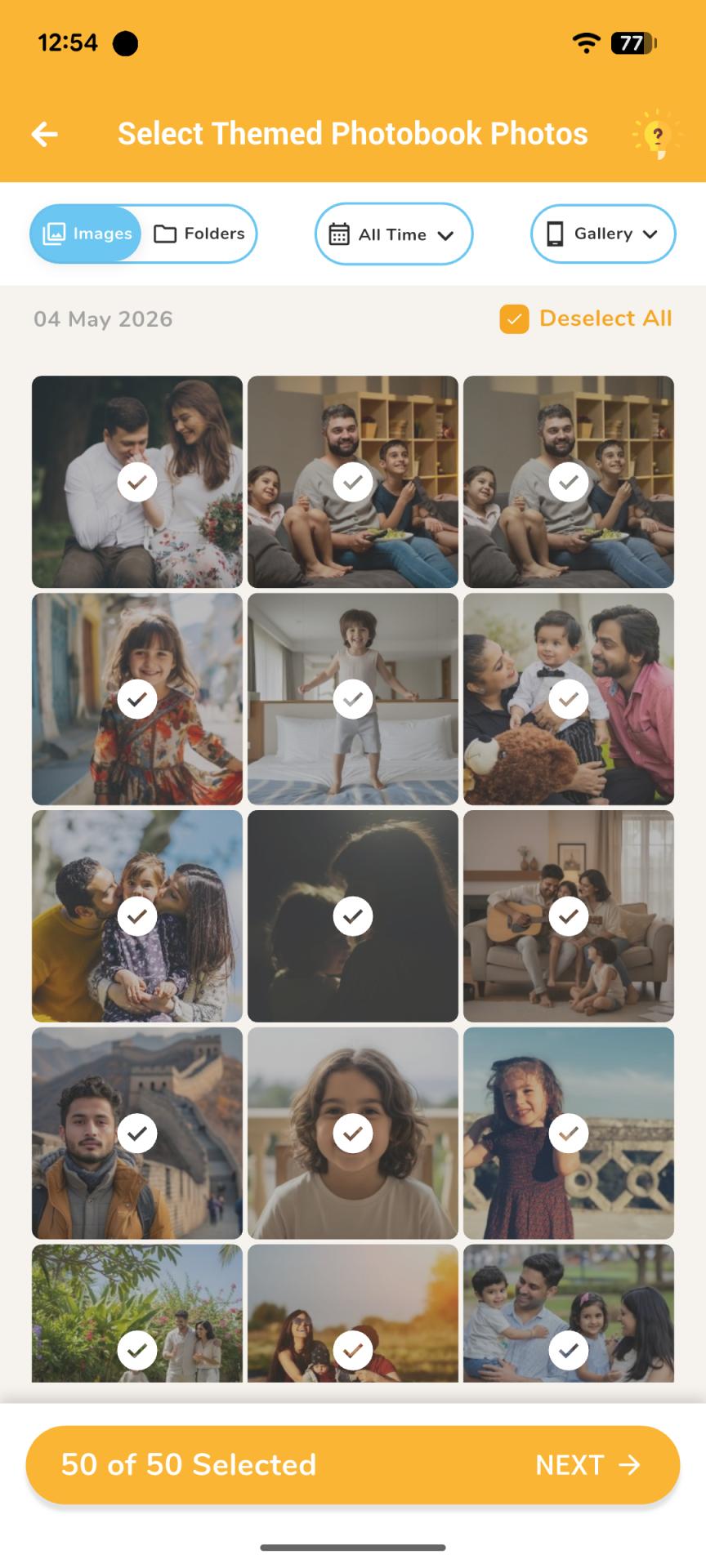
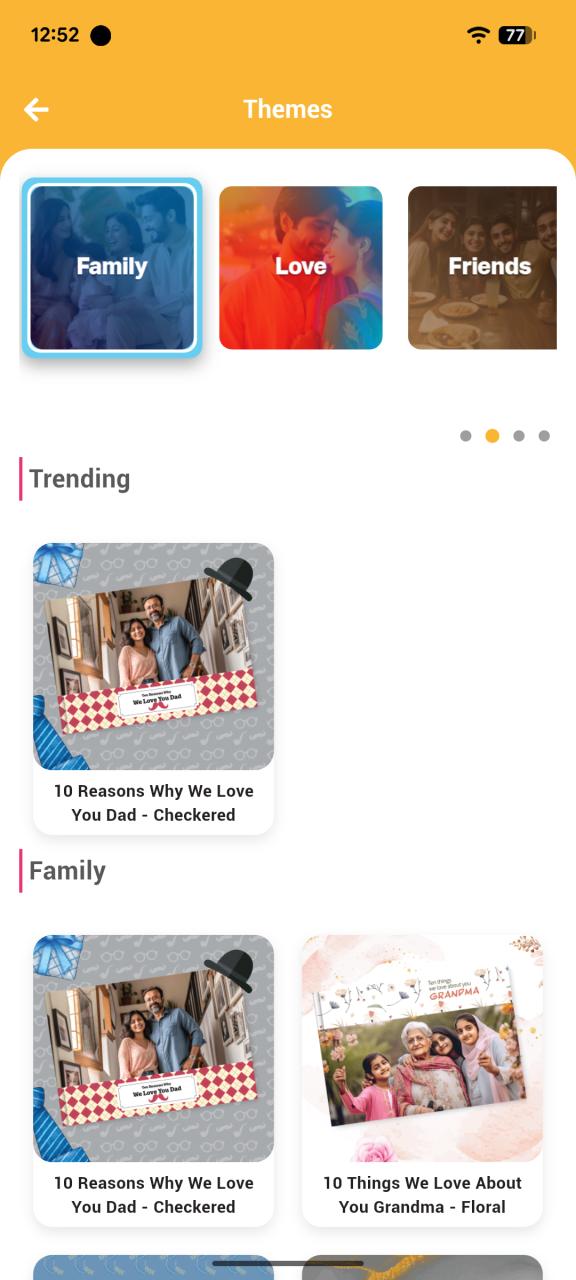
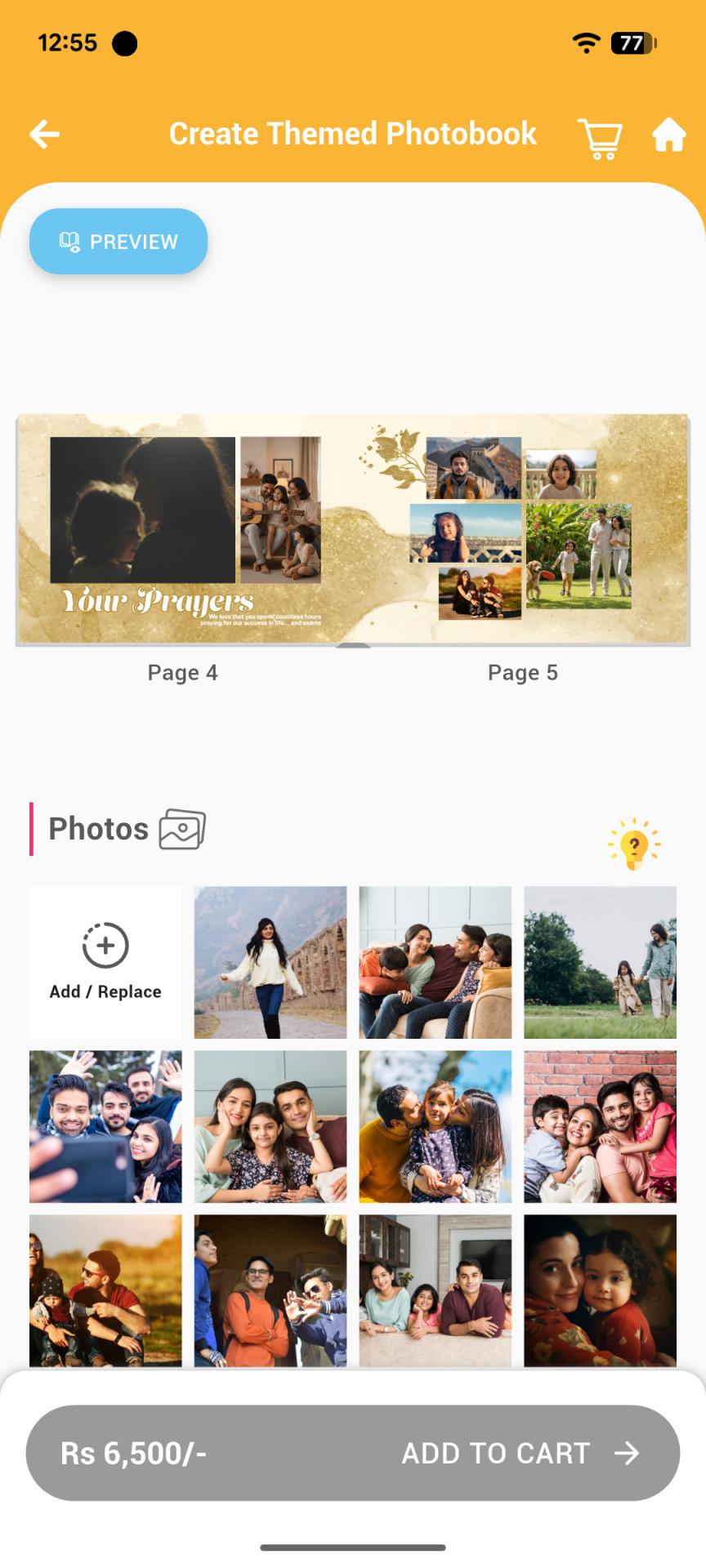
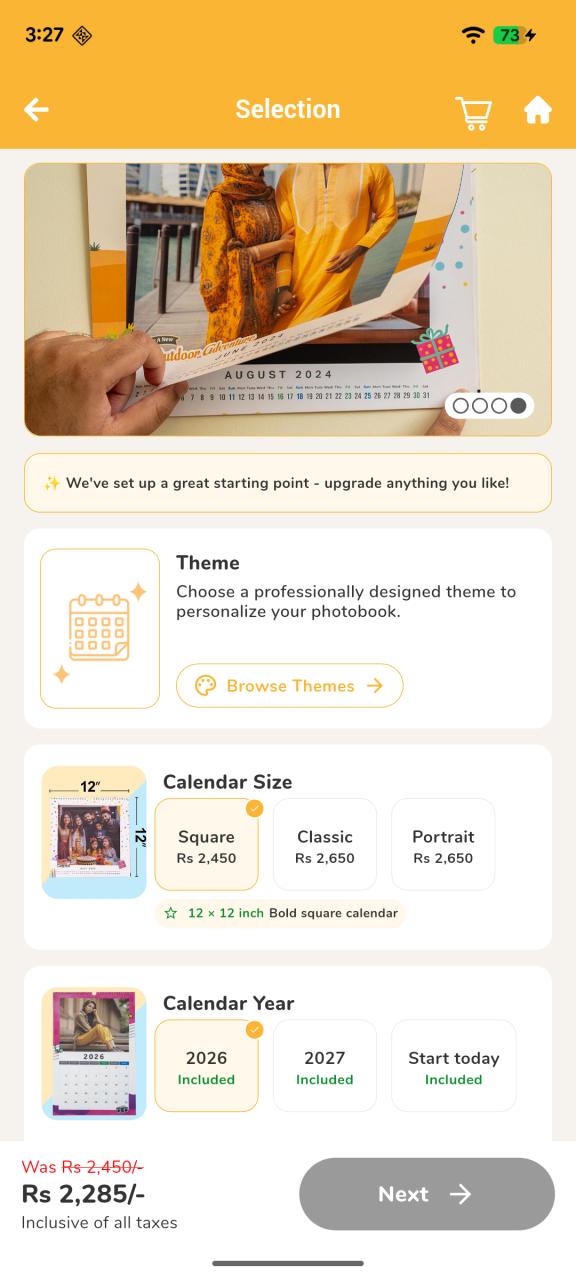
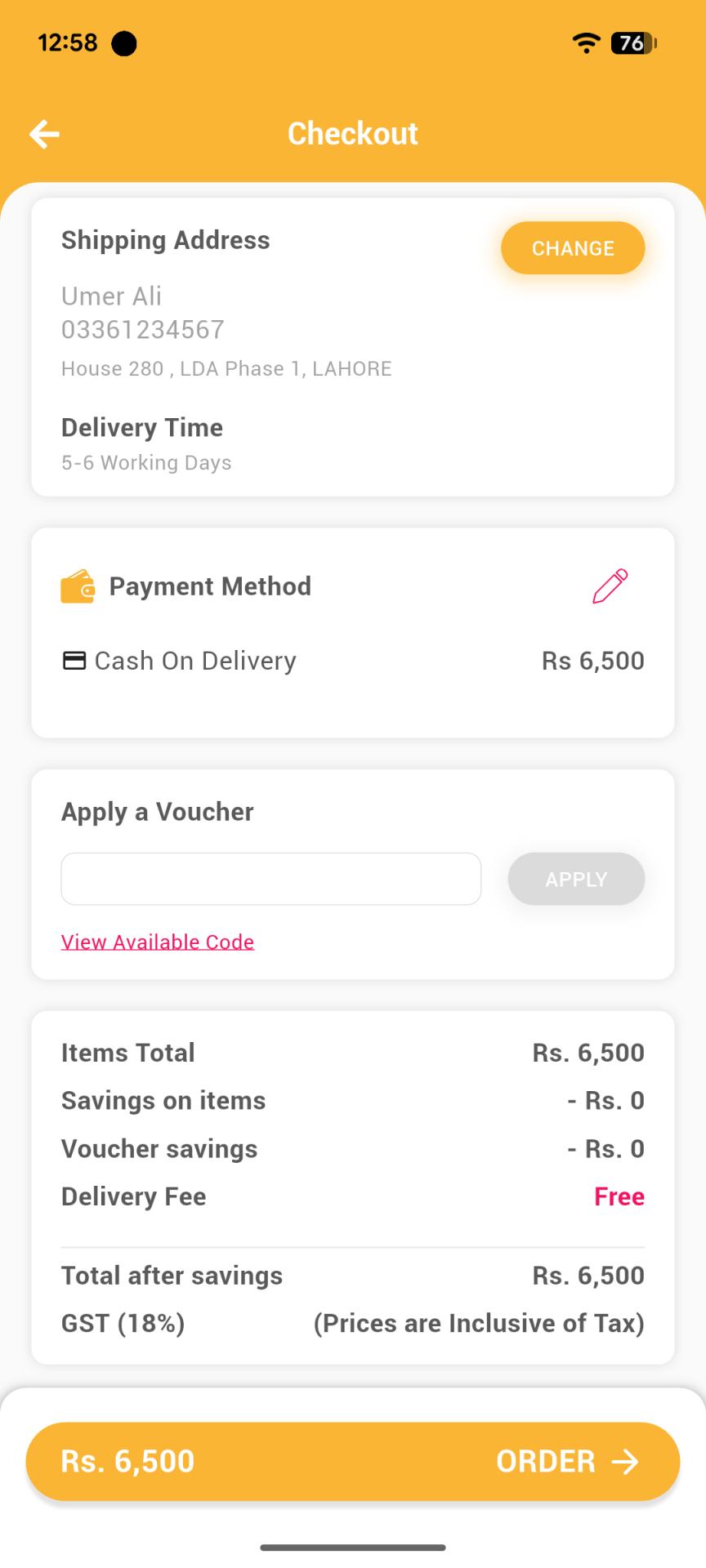
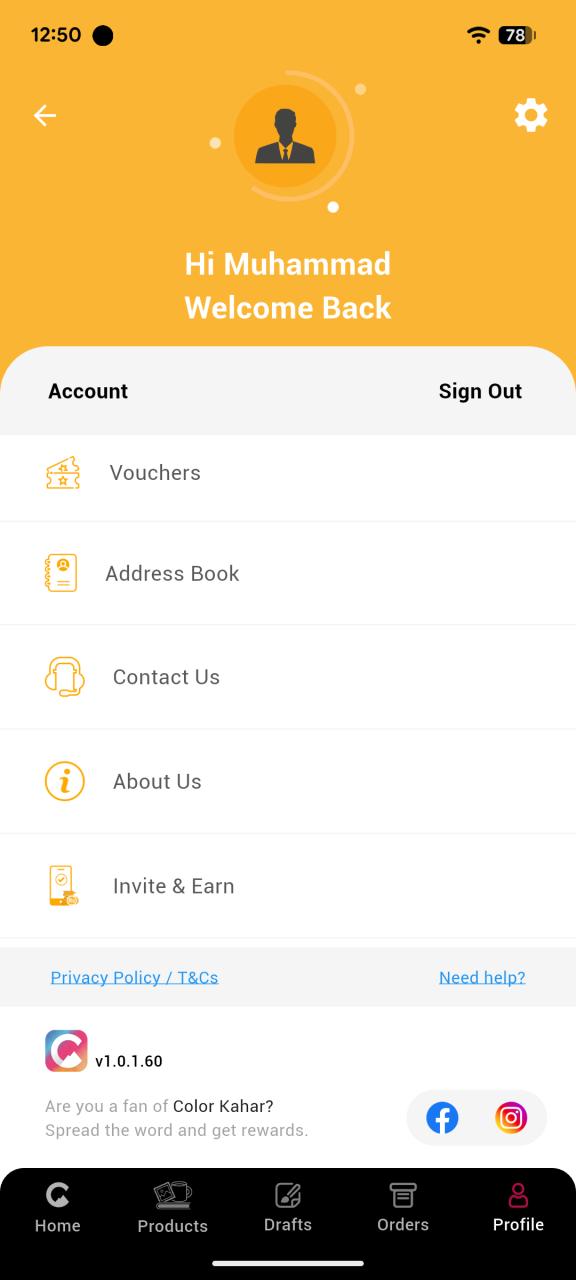
A quick tour of the surfaces referenced throughout this case study — the cached home/catalog screen, the bulk gallery picker feeding the image pipeline, the theme browser, the photobook designer, the calendar builder, checkout, and account.
The Problem
- CPU-bound work on the UI thread. Image decoding, resizing, color-matrix operations, and export rendering are heavy — done naively, they block the UI thread and cause dropped frames while scrolling a gallery grid or dragging photos around a photobook spread.
- Off-the-shelf image tooling hit a ceiling. Stock Flutter image packages are built for generic use cases — they didn't expose the crop, rotate, color-matrix, and blend controls a print-grade design tool actually needs, nor the platform-level performance headroom.
- Repeated, redundant network fetches. Home screen content and the product catalog are the same data every session — re-fetching them on every app open wastes bandwidth on Pakistani mobile data plans and slows perceived launch time.
- Fragile uploads on unreliable networks. Large photo uploads are prone to interruption — app backgrounded, killed by the OS, connection drop — and a failed upload with no resume path means re-uploading from scratch.
- A payment and auth stack built for the wrong market. Firebase Auth and international card rails don't match how most Pakistani users actually authenticate and pay.
- Noisy crash reporting drowning out real signal. A single crash pipeline tends to bury the handful of crashes that matter under noise from device-specific or third-party-library exceptions.
What I Built
CPU-bound work kept off the UI thread, on both platforms
Every processor-intensive business operation — image processing, catalog computation, export rendering — runs off the main thread: Dart Isolates on the Flutter side, Kotlin Coroutines on native Android, and Swift Concurrency on iOS/macOS, all bridged through Method Channels for request/response calls and Event Channels for streaming progress back to the UI. The result is a UI that stays responsive — scrolling, dragging, and gesture handling never stall — no matter how much processing is happening underneath.
A vendored, native image pipeline instead of off-the-shelf packages
Rather than working around the limits of stock Flutter image packages, I forked and — in the case of the image editor plugin — vendored the package wholesale into the repo along with its native Android/iOS/macOS code. This gave direct, platform-channel-level control over crop, rotate, color-matrix, and blend operations, instead of being constrained to whatever a generic third-party API exposed.
Two-layer caching: images and catalog data, both time-boxed
Images are cached by key with a 7-day expiry, so the same photo or catalog thumbnail isn't re-fetched or re-decoded across sessions. Home screen content and product catalog data are cached the same way, forming a full offline strategy — not just an image cache — where catalog and product data stay browsable even without a live connection, refreshed on its own cadence rather than on every app open.
SQLite (sqflite) as the backbone for local state
A large share of the app's local persistence runs through sqflite, not scattered key-value storage: product catalog content, authentication/session state, in-progress user product drafts (a half-finished photobook or tile design), and order previews are all managed through it. Structuring this as proper indexed SQLite tables is what keeps scoped lookups fast as a user's history of drafts and past orders grows, and what lets drafts and order previews survive app restarts and reliably resume exactly where the user left off.
The in-app photobook designer — the most complex, most actively developed feature
Users drag, rotate, and resize photos and stickers across spine-and-cover layouts that must stay pixel-accurate from the on-screen preview all the way to the printed product. Cover designs persist across sessions via sqflite, using DB-indexed lookups scoped by book type, keeping load and save fast even as a user's library of in-progress designs grows.
Per-product native export pipelines
Rather than one generic "export" function serving every product type, each product — photobook, mug, tile, calendar, print — has its own native export pipeline, tuned to that product's specific print/output requirements. A wedding album export and a single mug export have fundamentally different composition, resolution, and bleed/margin needs.
Uploads that survive the app being killed
Large photo uploads are chunked and resumable. An AppLifecycleManager coordinates the handoff: if the app is backgrounded or killed mid-upload, work is handed to Android WorkManager (or an iOS background-refresh bridge), so an interrupted upload automatically picks back up next time the app comes to the foreground — no manual retry, no re-uploading from scratch.
Built for the local market, not templated
- JazzCash and Easypaisa as first-class payment methods, not bolted on after a generic Stripe/card integration.
- SMS-OTP-first authentication, alongside social login via Google, Facebook, and Apple — giving users the login method they're most comfortable with while keeping OTP as the default, local-first path.
- Dual crash reporting (Crashlytics + Sentry) with noise filtering, so release monitoring stays signal-heavy.
Why These Choices Mattered
Forking and owning the image editor plugin was a deliberate build-vs-buy call — it cost more upfront than wiring up a stock package, but it removed a hard ceiling on what the photobook/tile/calendar editors could do, and it meant performance issues could actually be fixed at the source rather than worked around.
Using isolates on Flutter and coroutines/Swift Concurrency natively, bridged through the same Method/Event Channel pattern, kept the concurrency model consistent everywhere CPU-bound work happened, rather than each feature inventing its own threading approach.
Putting catalog data, auth state, drafts, and order previews into properly indexed sqflite tables — instead of scattered shared-preferences/key-value caches — meant lookups stayed fast as data grew, and meant "resume where you left off" was a query, not a rebuild.
On Pakistani mobile data plans, avoiding redundant catalog/image fetches is a direct cost saving for users, not only a speed win — which shaped the 7-day expiry and offline-first design.
Keeping each product's print-fidelity requirements isolated meant a change to the mug export path couldn't silently regress the photobook export path.
JazzCash/Easypaisa, SMS-OTP with social login, and dual crash reporting weren't the most technically novel decisions — they were the ones that matched the app to how its actual users pay, log in, and generate support signal.